
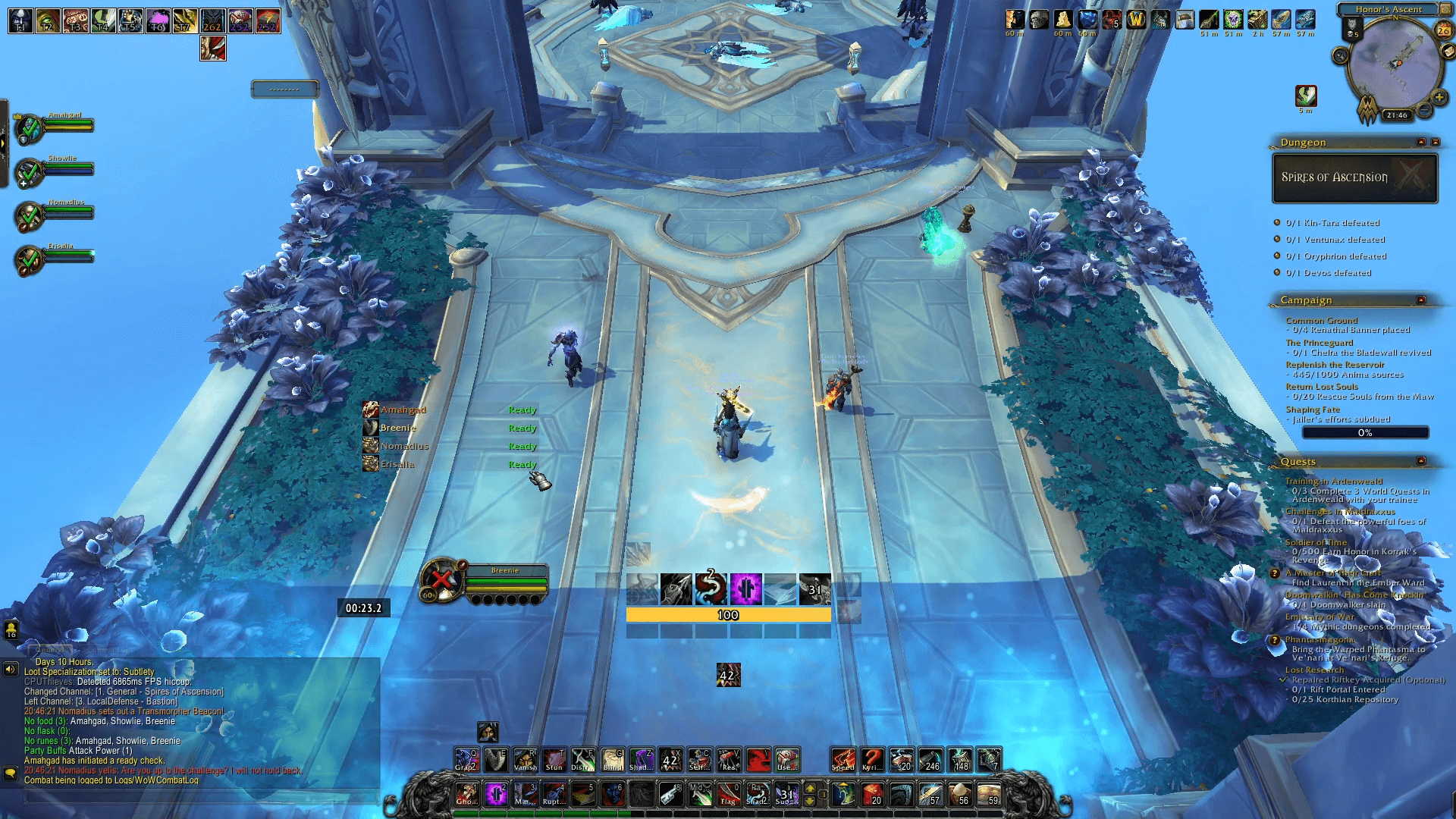
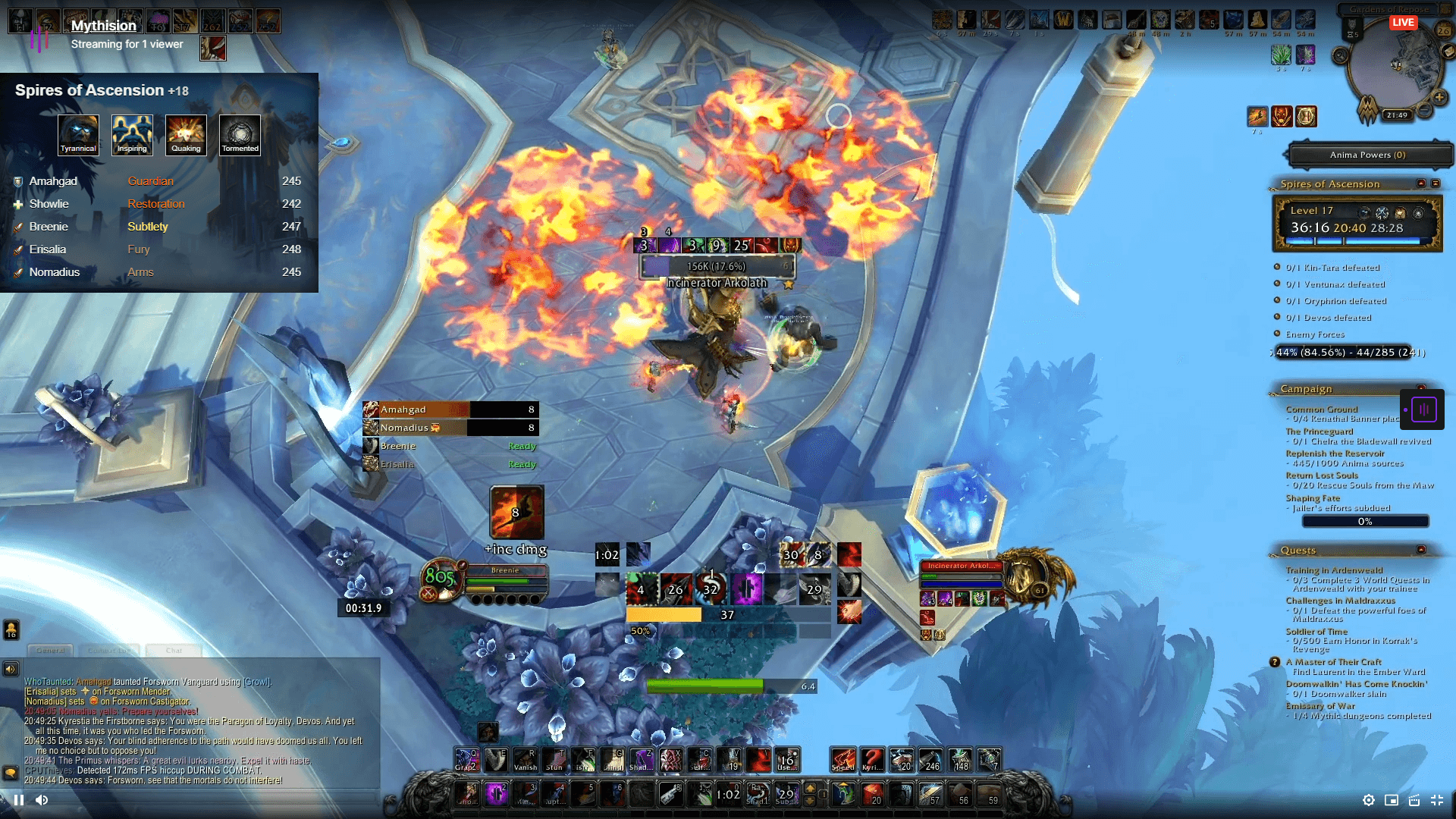
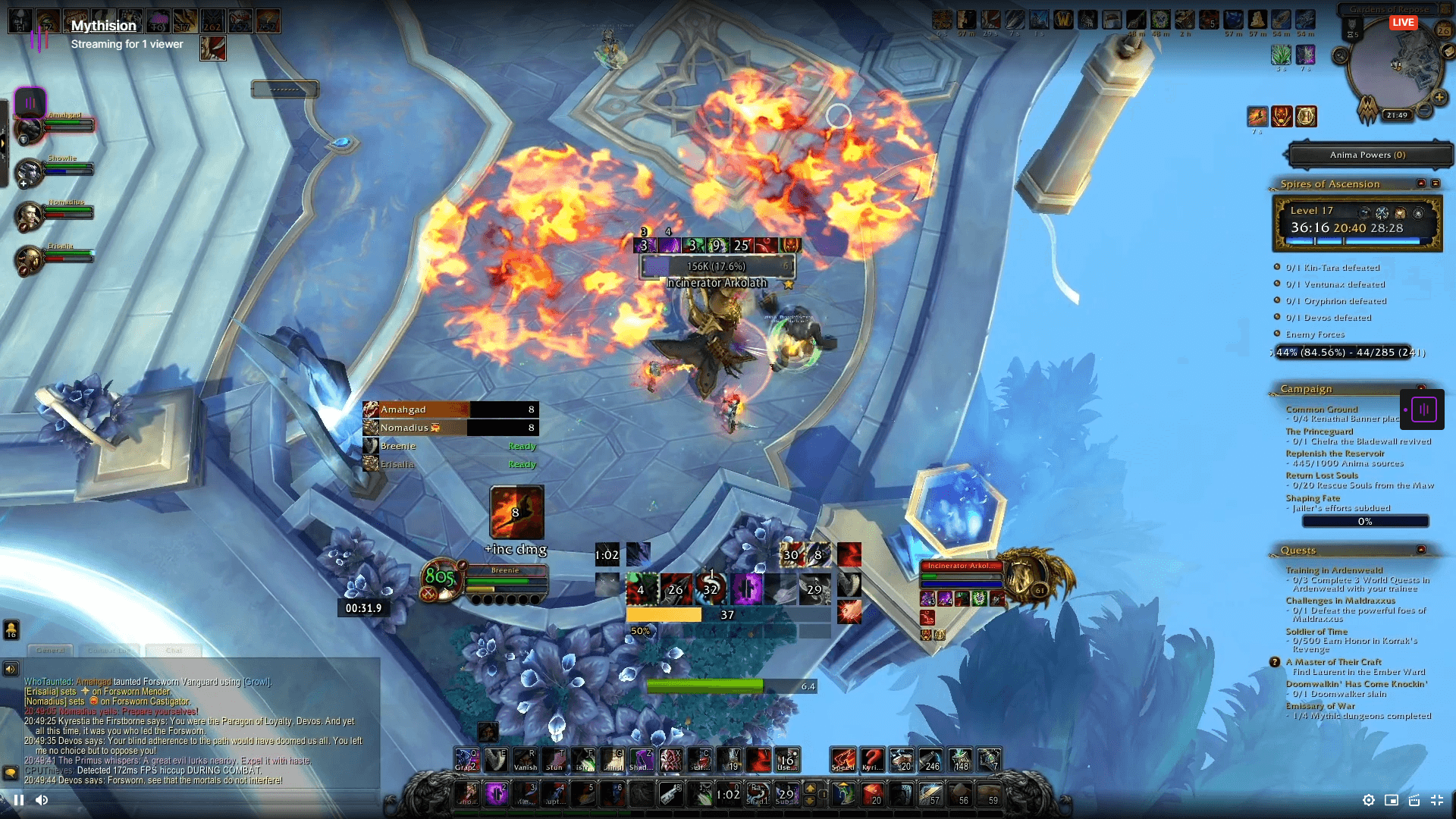
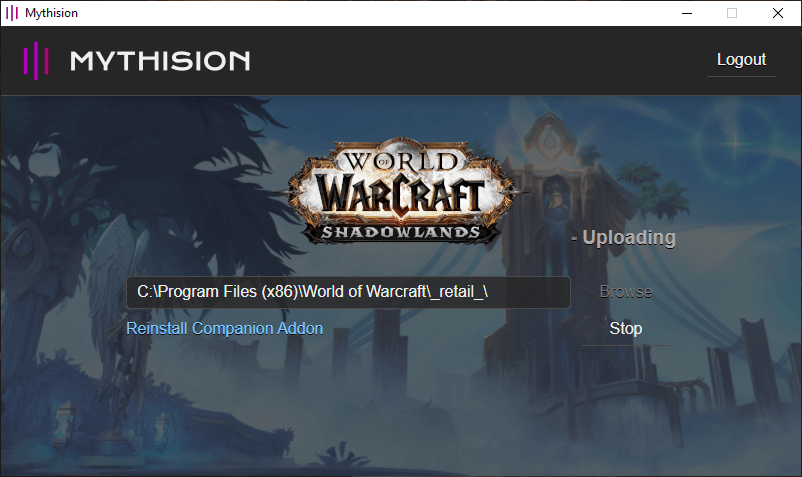
Step by step guide to the Mythision Client.
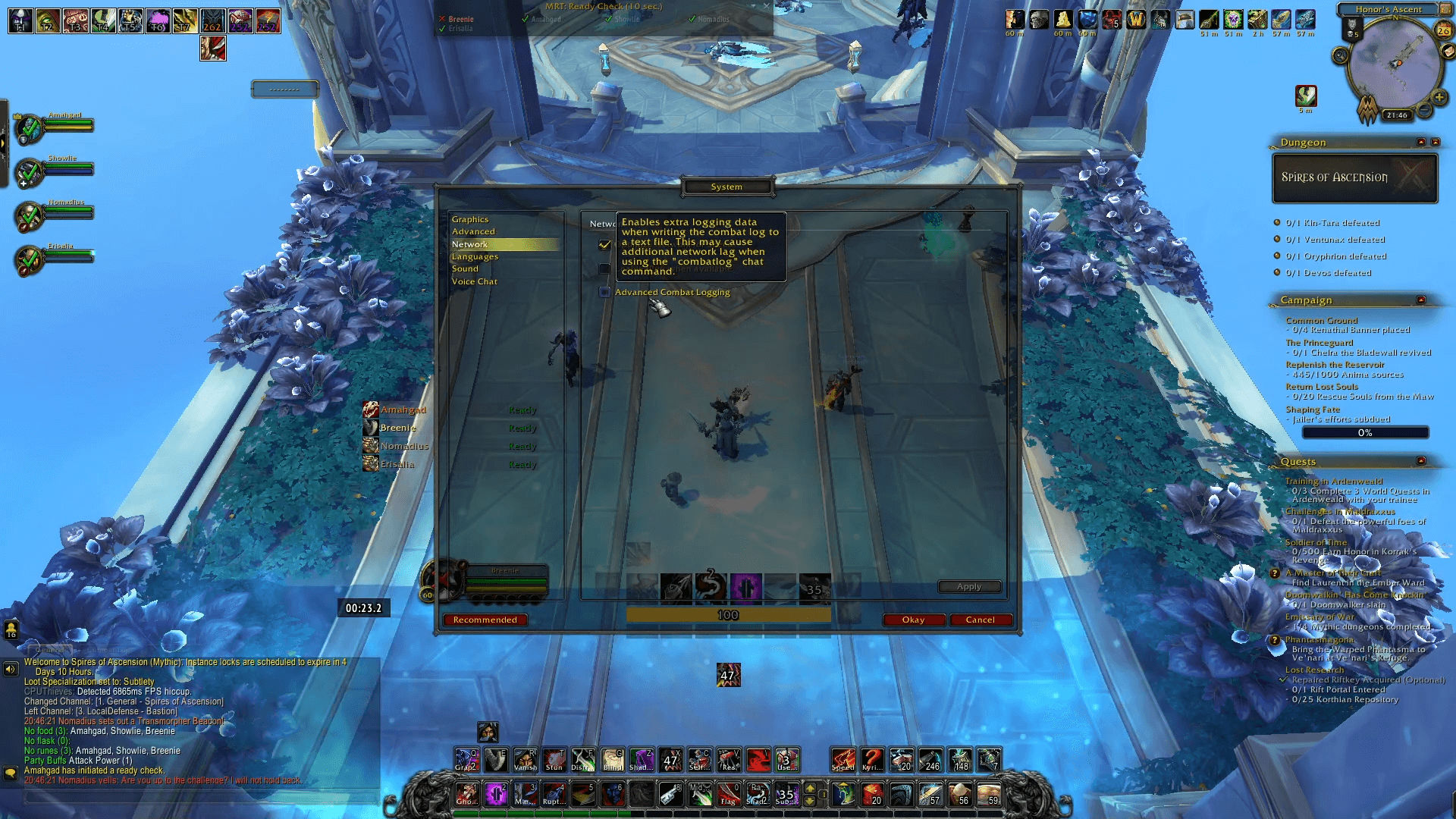
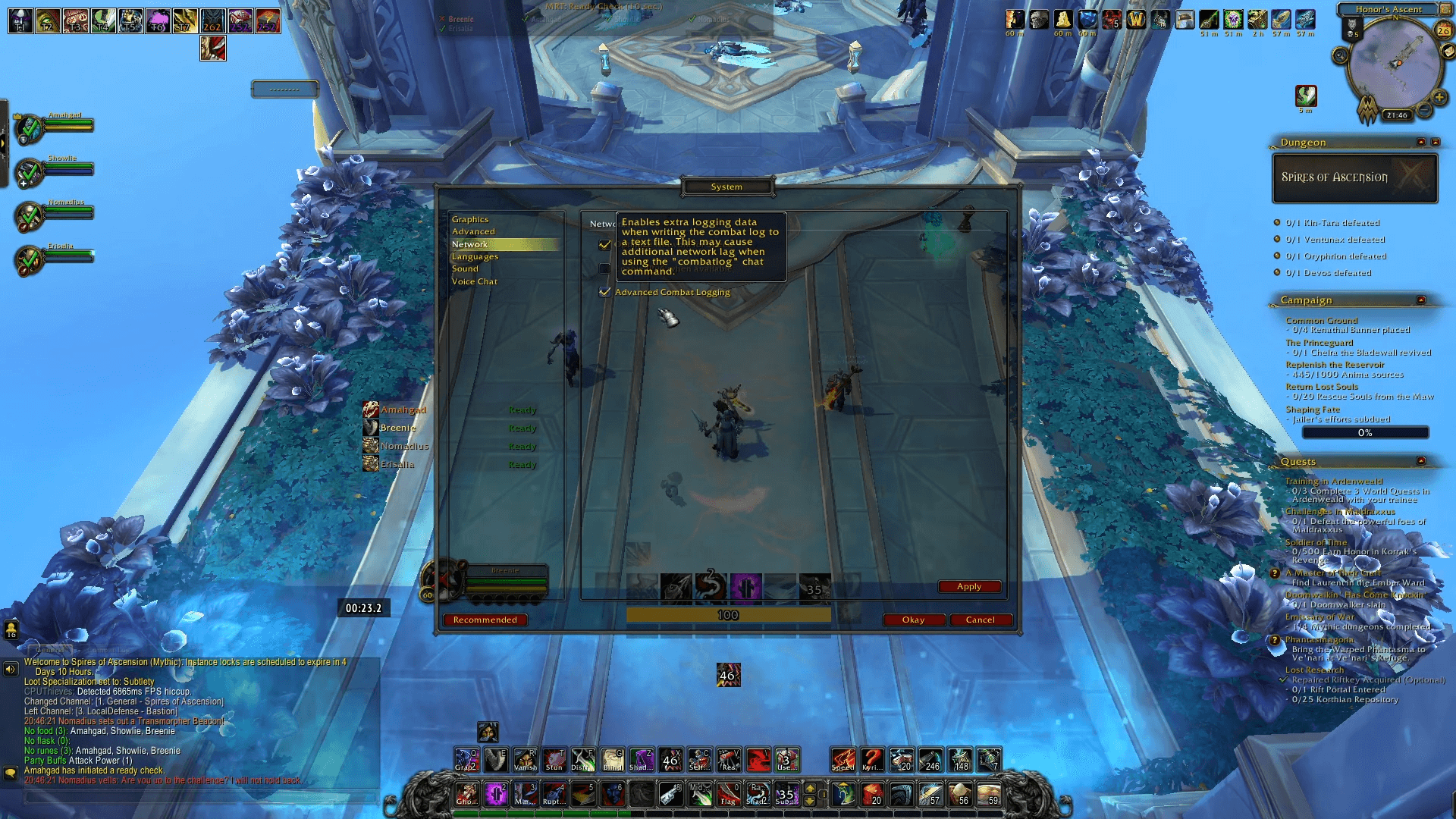
Mythision for World of Warcraft relies on combat log files, specifically advanced combat logging, you can enable this option from the system settings, under the Network section.
This is a one time thing, once enabled advanced combat logging will stay enabled.
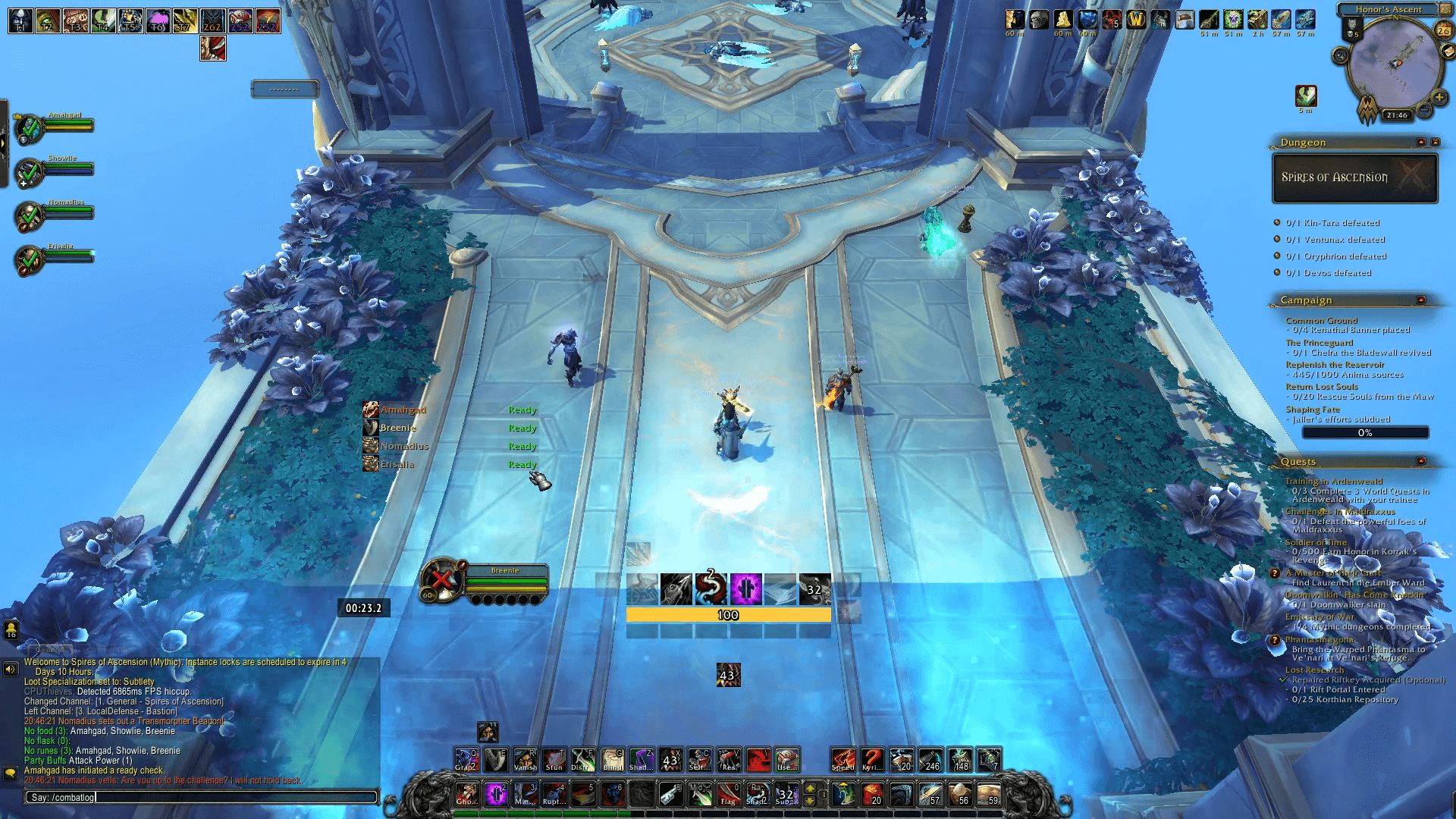
Each time you wish to use the Mythision uploader you will need to enable combat logging, this can be done with the "/combatlog" command.
If you do not wish to use the "/combatlog" command each time you use the Mythision Client there are multiple addons that will enable logging for you including Method Raid Tools and the Mythision Companion addon.
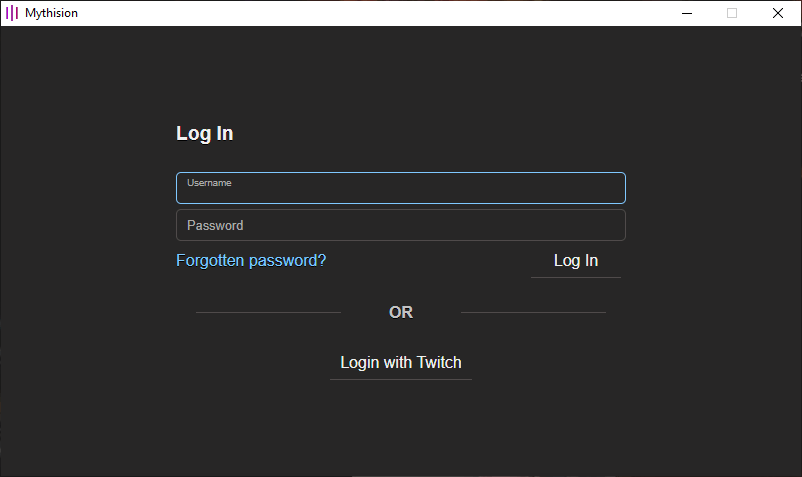
With combat logging enabled you will need to run the Mythision Client, first time will require you log into your Mythision account, or use the Login with Twitch option.
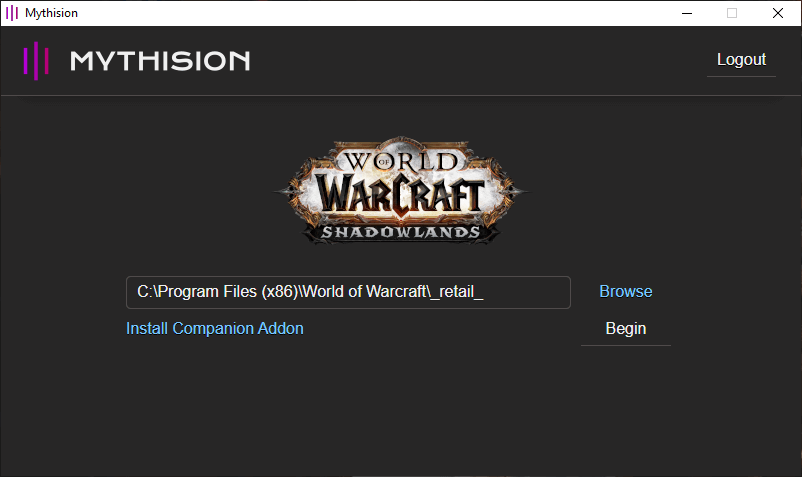
Once logged in, make sure the World of Warcraft path is correct.
When the World of Warcraft path is correct just click Begin button.
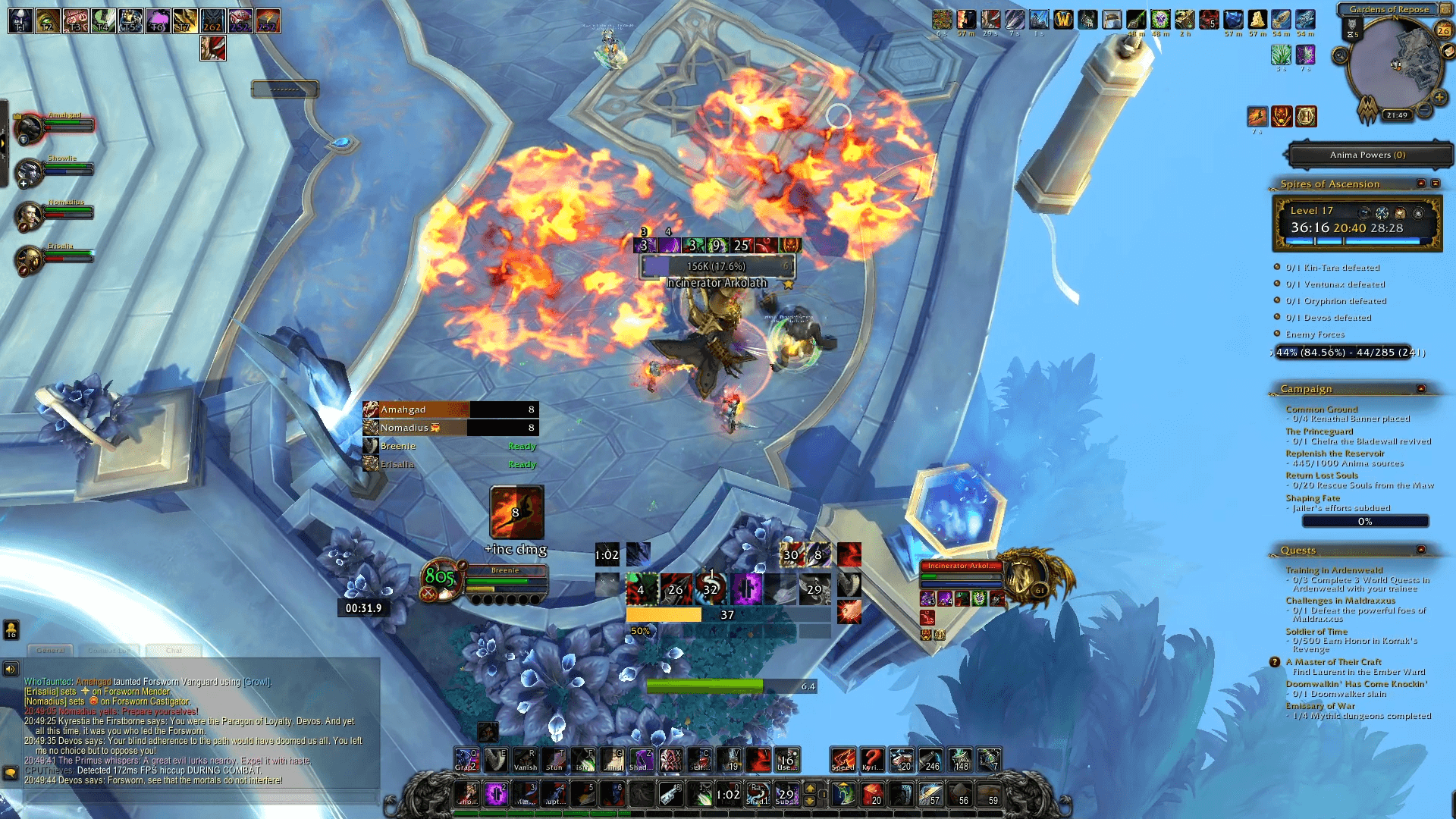
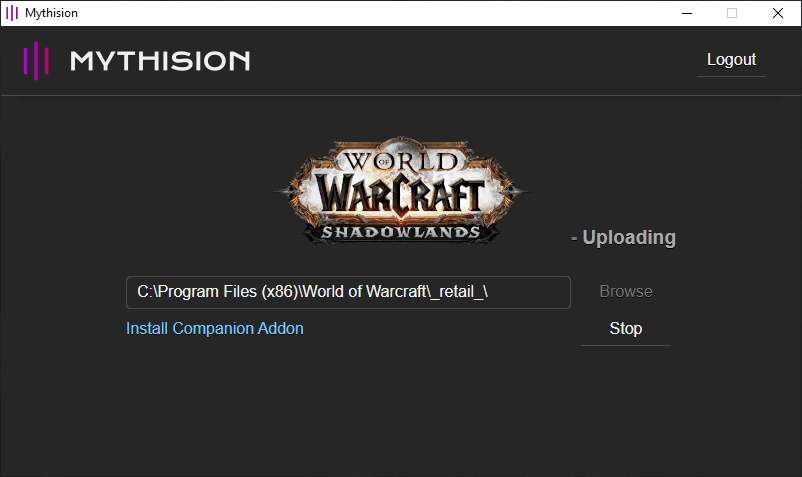
With the upload started, just play the game...
...and when you start a raid encounter, a mythic keystone dungeon, or a torghast run, your viewers will see the Mythision button on the left of your stream.
Clicking the Mythision button will show them your current group, their equipment, talents, and if enabled, your raid progression.